Website creation and promotion from scratch


It's best to plan website creation and promotion from scratch as a single, consistent process. Decisions made before design and programming influence the future structure, indexing, loading speed, internal linking, and the ability to expand the project without constant technical rework.
If the semantic core is compiled after launch, it often turns out that there are no suitable landing pages for some search queries. This forces you to change the navigation, add categories, rework templates, migrate content, and set up redirects from old URLs.
Therefore, website creation and promotion begin with demand analysis and architecture. This is followed by prototyping, design, SEO layout, technical optimization, content preparation, testing, and launch. After indexing, regular work begins on existing pages, new queries, links, and conversions.
The process diagram looks like this:
Demand analysis → semantics → landing pages → structure → prototype → design → development → technical SEO → content → pre-launch SEO → launch → indexing → page development → external promotion
Why should SEO be considered even at the website development stage?
Website optimization begins during the development stage even before the title and description are written. An SEO specialist is involved in determining the structure, URLs, landing page types, indexing rules, internal linking, and technical template requirements.
If SEO is brought in after development is complete, the specialist is working with existing limitations. For example, the catalog may not support the required category structure, filters may create thousands of duplicates, important links may only load after user interaction, and multilingual pages are served through a single URL.
Fixing such issues requires developer involvement and sometimes affects a significant portion of the project. Therefore, promotion during the development phase begins with requirements that are cheaper to implement immediately than to move to a separate task list after launch.
What are the benefits of website optimization at the development stage?
The main result of this approach is a technically prepared site that can be developed rather than rebuilt after launch. The site is pre-configured with the necessary landing pages, a clear URL structure, logical navigation, and rules for operating utility pages.
SEO development also helps synchronize the work of different specialists. The designer knows where text blocks and breadcrumbs are needed, the developer receives canonical and rendering requirements, and the copywriter writes materials based on the approved structure.
No one can guarantee a website's ranking after its publication. Search engines require time to crawl and index it, and the results depend on competition, content, implementation quality, link profile, and other factors. However, fixing basic technical errors immediately after the release is no longer necessary.
Answers to your questions
When should you involve an SEO specialist in website development?
The optimal time comes before the structure and basic templates are approved. The specialist has time to gather semantics, determine landing pages, and prepare requirements for URLs, interlinking, indexing, and the technical content of the templates.
If SEO is added later, the work is still possible, but some of the work involves modifying the existing system. The larger the catalog and the more complex the architecture, the more expensive such changes tend to be.
How does SEO at the development stage differ from regular promotion?
SEO during the development stage concerns the website's architecture, rendering, indexability, URLs, templates, and technical preparation. These decisions are made before launch and influence the ease of development.
After publication, regular on-page optimization, content development, internal link management, external promotion, and search engine data analysis are added. These two components are interconnected but address tasks at different project stages.
Is it possible to create a website first and do SEO later?
This option is possible, especially for a small project with a simple structure. However, there's no guarantee in advance that the developed architecture will be suitable for all future search pages and technical requirements.
If the audit requires changes to categories, URLs, filters, or rendering methods, the developer will rework the existing components. Therefore, website creation and promotion usually proceed more smoothly when basic SEO decisions are made in advance.
When does a new website start receiving organic traffic?
Once launched, the search engine must discover the pages, crawl them, and add the relevant documents to the index. The speed of this process depends on the site's size, internal structure, external signals, and crawl frequency.
Organic traffic growth is also related to competition, page quality, domain history, and ongoing project development. Therefore, there is no universal timeframe that applies to all new websites.
Is it necessary to collect a semantic core before creating a website?
For a project that plans to generate traffic from search, it's best to gather semantics before finalizing the architecture. This shows which pages users are interested in and which topics have specific search intent.
Without this, website development, creation, and promotion diverge at different stages. The finished structure may lack space for important categories, services, or informational materials.
What should you check before opening a site for indexing?
Before launching, check robots.txt, meta robots, canonical, sitemap.xml, server codes, redirects, internal links, Title, Description, H1, mobile version, Core Web Vitals and Schema.org.
The analytics and the actual HTML of the page need to be checked separately. After migrating to the main domain, some settings may differ from the test environment, so the final check is performed on production.
Is it possible to promote a website immediately after launch?
Yes, if the site is technically ready and the main pages are available for indexing. Once launched, you can monitor URL processing, improve existing content, and gradually expand the structure to accommodate new search queries.
At the same time, external signals are developed and conversions are analyzed. Website development and SEO promotion don't end with publication, as the project continues to evolve along with the product and demand.
Stage 1. Determining the website's goals, audience, and competitors

Before designing, you need to understand what the website needs to accomplish and what pages it will require. An online store, a corporate project, a service catalog, and a landing page all differ in structure, navigation method, semantic scope, and number of page types.
At this stage, initial data is collected about the product, regions of operation, target audience, and competitors. This information is necessary before creating a prototype, because the subsequent design must be based on the actual project structure, not a set of arbitrary blocks.
Defining the website's business objective
An online store typically requires categories, subcategories, product cards, brands, and some indexable filters. A service website requires separate pages for business areas, services, cities, or specialists if the corresponding queries have independent search intent.
A corporate website may combine commercial and informational sections. A landing page typically focuses on a single service or narrow offering, so its potential for large-scale SEO is limited by the number of relevant queries and the content of a single page.
Website development and promotion should take future growth into account. If a company plans to expand geographically, add services, or launch multiple language versions, it's best to factor this logic into the architecture from the outset.
Analyzing the target audience and search demand
A structure shouldn't be built solely on a company's internal list of services. Users can search for a single product in multiple ways, compare options, and refine pricing, specifications, location, terms, and conditions.
Collecting search demand reveals which topics deserve dedicated pages. Commercial, informational, brand, category, geographic queries, and questions are distributed across different document types based on user intent.
So, creating a website with promotion begins with understanding actual demand. Only then can you determine which pages are needed at launch, which will be added later, and which queries make sense to combine on a single landing page.
Analyzing competitors' websites in search results
Competitors are evaluated based on the queries for which the future website should receive organic traffic. It's important to look at pages from search results, not just well-known companies in the same industry, as commercial competitors and competitors in Google can differ significantly.
The analysis includes section structure, landing page types, nesting depth, filters, content blocks, internal linking, and commercial elements. It's also useful to examine which informational materials are visible and lead users to services or products.
There's no need to copy someone else's architecture entirely. Analysis reveals demand patterns and solutions already found in search results, after which the structure is tailored to the project's own product range, semantics, and technical capabilities.
Stage 2. Collecting semantics before creating the site structure
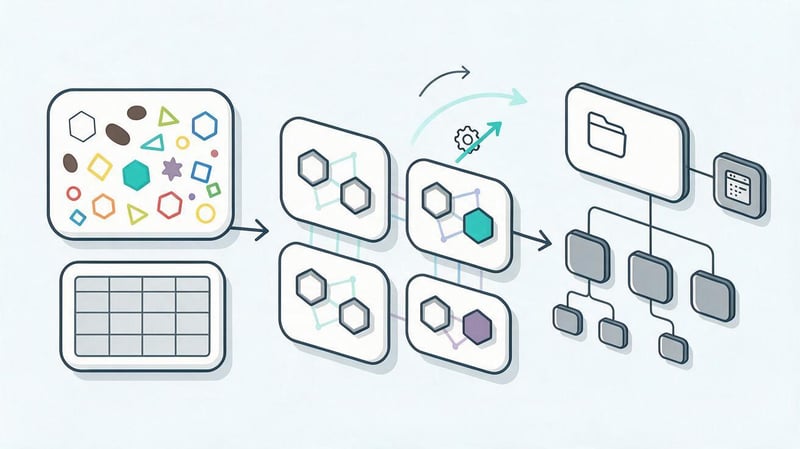
It's advisable to assemble the semantic core before final prototyping. Search queries help determine the number of future landing pages, their purpose, the relationships between sections, and template requirements.
If semantics are added after the design, some pages have to be added to an existing structure. Sometimes there's no room for them in the menu, a suitable template isn't available, or the content management system doesn't support the necessary SEO fields.
Collecting search queries
The core includes commercial queries, category and service names, informational questions, geo-queries, brand combinations, and other phrases related to the project's topic. For online stores, demand is collected separately by product, brand, feature, and category.
Search volume alone doesn't determine a keyword's value. A low-volume query may more accurately describe a service and attract more interested users, so intent and relevance to the business are taken into account when collecting semantics.
Queries also help understand audience terminology. The names of services within a company may differ from the words people search for, so it's best to structure and build content in user-friendly language.
Clustering queries and determining landing pages
After collecting semantics, queries are grouped by search intent. Queries that describe the same need and compete for the same search results are usually assigned to a common landing page.
For each cluster, the future URL, page type, and core content are determined. This approach helps align website development and promotion with specific search engine objectives in advance, rather than adding keywords to random sections after launch.
Clustering queries also reveals where a dedicated commercial page is needed, and where an article or FAQ section is sufficient. The result is a project map that can be shared with the designer and developer.
How to avoid page cannibalization?
Cannibalization occurs when multiple URLs on a website compete for the same search intent. This makes it more difficult for search engines to determine the most relevant document, and internal and external signals are distributed across multiple similar pages.
Before development, it's important to decide which queries are combined and which require separate pages. For example, a service and an article about how it works can exist separately, since the commercial and informational intent are different.
When expanding your structure, it's helpful to check existing URLs. A new page should only be created if it addresses a specific user need and provides its own value, rather than duplicating existing content.
What pages should be planned before design?
The set of pages depends on the niche, but most often, the main services, categories, subcategories, products, brands, cities, articles, FAQs, and service sections are determined before prototyping. Medical or expert-focused projects may require separate pages for specialists.
Each group can have its own template. Categories require certain elements, articles require others, and commercial service pages can include pricing, benefits, stages of work, contact forms, and related services.
When website creation and promotion are designed simultaneously, the designer receives realistic page types and can fully conceptualize them. This reduces the need for additional layouts and revisions during programming.
Stage 3. Designing the website's SEO structure
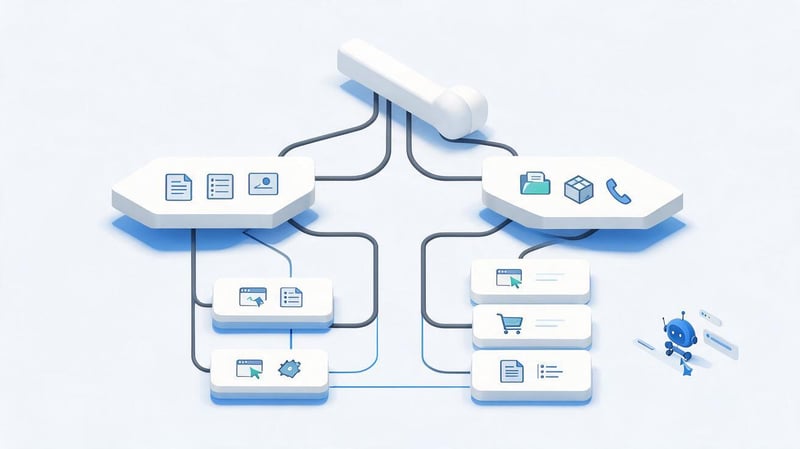
Architecture determines how pages are linked and how easily a user or search engine can navigate from a general section to more specific information. A clear structure simplifies navigation, internal linking, and future expansion of the project.
Excessive nesting complicates site crawling, and a chaotic structure leads to situations where important URLs exist separately from the main sections. Therefore, website development and promotion require a comprehensive page map even before the layout begins.
Forming a hierarchy of sections
The basic logic might look like “main → section → subsection → landing page”. The exact depth depends on the size of the project, but important commercial pages shouldn't be hidden behind a long navigation chain.
Navigation should reflect the real relationships between entities. For example, a product belongs to a category, an article is linked to a thematic section, and a service may have related categories and informational materials.
Breadcrumbs help show the page's position within the structure and create additional internal links. BreadcrumbList microdata can be used for them if the data in the JSON-LD matches what the user sees.
Designing clear URLs
It's best to keep URLs short, consistent, and readable. Avoid random identifiers, function words, and long parameter strings unless they're required for the app to function.
Before launch, a uniform format for case, final slash, and transliteration is also defined. A single document should not be accessible at multiple addresses due to technical differences that can be resolved at the routing level.
If a URL changes after indexing, a 301 redirect from the old address to the most relevant new one will be required. Therefore, a stable URL structure reduces the risk of unnecessary redirects during future project development.
Filters, sorting, and GET parameters
Online stores and large catalogs often create GET parameters for filters, sorting, and other user settings. Without indexing rules, such combinations can generate a large number of duplicates and nearly identical URLs.
Before development, it's important to determine which filters have independent search demand and can be used as landing pages. Other combinations should not be indexed uncontrollably and create unnecessary load on site crawling.
For indexed variants, a stable URL, content, and meta tags are defined. For service combinations, meta robots, canonical, and internal linking rules are defined separately.
Planning internal linking
Internal linking distributes traffic between pages and helps search engines find new URLs. It includes the main menu, breadcrumbs, links from categories, related services, articles, and other relevant sections.
Links should be useful to users and relevant to the context of the page. There's no point in mechanically adding dozens of links to all the commercial sections of each text if there's no meaningful connection between the topics.
Regular internal links don't need to be closed with the nofollow attribute unless there's a specific technical reason. For important transitions, it's best to use normal HTML links with an accessible href.
Planning multilingual support
For a multilingual project, it's best to assign separate URLs for each language version in advance. These pages should have their own H1, Title, Description, content, breadcrumbs, and Schema.org data.
The hreflang attribute links language or regional versions together. Canonical typically points to the main URL of the current language page, rather than consolidating multiple full translations into a single version.
Switching languages via JavaScript without changing the URL creates problems with indexing and delivering a specific locale to the user. Therefore, multilingualism is designed at the routing level rather than added after development.
Stage 4. Considering SEO in prototyping and design

A prototype shows the layout of key elements before the designer begins working on the visual style. This is where it's convenient to coordinate content areas, navigation, mobile version, and internal linking blocks.
When SEO requirements emerge after the design is approved, adding the necessary text block or linked pages can be more difficult. Therefore, website design takes SEO into account even at the design stage of future templates.
Planning the necessary content areas
A commercial page typically requires space for an H1 heading, an introductory section, basic information, terms and conditions, benefits, questions, and a CTA. The specific set depends on the niche and search intent, so it's not necessary to use the same template for all document types.
FAQs are added when questions help users understand a service or product. Reviews are published only if they contain real data, and the price, terms, and conditions must match the company's actual offer.
Separate areas should be provided for related services, articles, or categories. These blocks improve navigation and help build internal linking without manually adding links to each page.
Designing mobile-first
The mobile version should contain the same core content, navigation, and internal links as the desktop version. Hiding essential information just for the sake of a compact interface can reduce usability and hinder search engine crawlers.
When designing, consider the size of interactive elements, the readability of text, the position of forms, and the stability of blocks during loading. Users should not accidentally click an adjacent button due to too little space between elements.
Mobile-first also influences the placement of large images and videos. Above-the-fold content should be organized so that it loads quickly and doesn't create noticeable interface shifts.
Avoiding designs that hinder website speed
Large background images, automated videos, complex animations, and numerous third-party scripts increase loading time. It's best to evaluate their impact before making visual decisions a mandatory part of the template.
Core Web Vitals help track user load and responsiveness metrics. For SEO and UX, monitoring LCP, INP, and CLS is especially useful, as well as checking live pages using PageSpeed and browser data.
The designer and developer must understand the limitations of graphic size, fonts, and external libraries. This will prevent the visual design from being simplified after the technical audit.
Stage 5. SEO website layout

A website's SEO layout is responsible for how the developed page appears in the final HTML and how accessible its content is to search engines. A beautiful visual layout doesn't compensate for a situation where a robot can't see the text, links, or key SEO data.
Website development and promotion require testing the actual results after template creation. This includes evaluating not only what the user sees in the browser, but also the source document, rendering, server responses, and page behavior without any additional actions.
What is SEO website layout?
SEO layout takes into account the semantic structure of HTML, heading hierarchy, content accessibility, internal links, images, and speed. Its goal is to ensure that the technical implementation does not interfere with page crawling and comprehension.
Code should remain logical and predictable across different screen sizes. It's undesirable to duplicate large sections of content separately for mobile and desktop versions if the same task can be accomplished with responsive design.
Important page elements must function correctly after updating templates and content. This is especially important for large projects where a single component is used on hundreds or thousands of URLs.
Using semantic HTML markup
The header, nav, main, article, section, and footer tags help organize a document logically. They describe the purpose of the blocks, but by themselves, they don't give a page a ranking advantage.
Semantic markup benefits developers, search engines, and assistive technologies. Instead of a multitude of anonymous containers, the code receives a clear structure that is easier to maintain and verify.
The tag selection should be consistent with the block's purpose. Avoid using section for every visual container or turning any large text into an article without a clear semantic basis.
Building H1–H6 correctly
H1 typically reflects the main topic of the document, while H2–H4 expand on nested semantic sections. Headings should describe the content of the following block, not be used solely for visual font size.
On most commercial and informational pages, one main H1 is sufficient. Subsequent levels are chosen based on the document's logic, without jumping between them without a compelling reason.
Don't overload your headings with keywords. If the section is dedicated to technical optimization, a natural, clear heading is sufficient for both users and search engines.
Keeping internal links accessible to search robots
Navigation elements and links to important pages are best formed using standard <a> tags with the correct href. Complex JavaScript click processing should not replace a standard link where the user navigates to a different URL.
Search engines should find key pages through the site structure, not just through sitemap.xml. Therefore, creating websites for SEO requires proper internal navigation from the first template versions.
It's best to make internal link anchors clear and relevant to the destination page. There's no need to insert the same exact keywords into all interlink blocks.
Controlling JavaScript and rendering
Modern projects often use JavaScript for interfaces, filters, and dynamic components. Problems arise when the main text, links, or metadata appear only after user actions or errors in the client-side code.
For large JavaScript projects, a suitable rendering scheme is selected in advance, including SSR or SSG where the architecture justifies it. Search engines should receive the full final HTML containing the page content.
Particular attention should be paid to meta tags, canonical tags, hreflang, and structured data. These elements must be relevant to the specific URL and not dependent on unstable client-side script execution.
Lead SEO specialist — Gennady
I involve SEO before the developer begins building the basic website templates. A meta tag can be changed in a few minutes, but an incorrectly designed structure, URL, filters, or rendering logic has to be redone after launch on an already live project. Therefore, we first determine search demand and future landing pages, then design the structure, and only then communicate the requirements to the designer and developer. This approach doesn't guarantee rankings immediately after launch, but it helps avoid starting promotion by fixing your own website.
Optimizing images and speed
Images should be served in modern WebP or AVIF formats if they are supported by the underlying infrastructure. Files should be compressed and scaled to the actual block size, rather than loading a large original for a small card.
Images are assigned a width and height so the browser can reserve space in advance. Lazy loading is suitable for content below the fold, but it shouldn't be applied thoughtlessly to the main image, which affects the LCP.
The alt attribute describes the image's content where it's truly needed. Filling it with keywords for SEO purposes isn't necessary, as the description should primarily match the image itself.
Stage 6. Technical SEO during website development
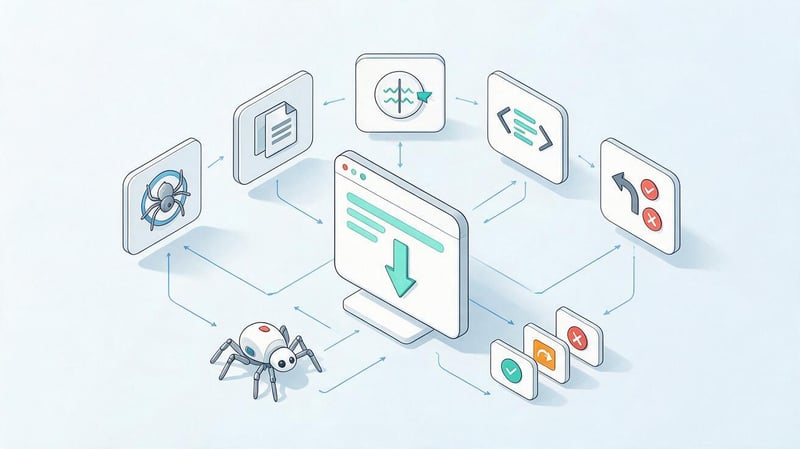
Technical SEO determines which pages are accessible to search engines, which URLs are considered primary, and how the site responds to deleted or moved documents. It's best to include these rules in the developer's specifications before launch.
When website SEO and project development are carried out simultaneously, robots.txt, sitemap.xml, canonical, redirects, and server response codes become part of the core implementation. After publishing, all that remains is to test them on the production domain.
Managing indexing
In a test environment, indexing is usually disabled to prevent staging pages from appearing in search results before the main site. However, before the release, temporary restrictions should be removed and the production pages should be ensured to have the correct meta robots tags.
A page intended for search most often requires index and the ability to follow internal links. Service documents, internal search results, and other technical URLs may require separate logic.
A particularly dangerous situation is when the noindex status persists after being transferred from a test domain to the main one. Visually, the site works fine, but new pages are unable to be indexed.
Setting up robots.txt and sitemap.xml
Robots.txt defines crawling rules for search engine bots, but it shouldn't be used as a universal tool for removing URLs from the index. To manage a page's indexability, use appropriate meta robots or other technical solutions.
An XML sitemap helps search engines find canonical project pages. The sitemap should not include redirects, 404s, technical parameters, duplicates, or documents that are intentionally hidden from indexing.
On large projects, sitemaps can be divided by page type. The main requirement remains the same: the sitemap must reflect the current site structure and be updated whenever indexed URLs are added or removed.
Setting up canonical and eliminating duplicate URLs
Canonical specifies the preferred URL for a document among technical duplicates or similar variants. For a typical unique page, self-canonical helps establish the primary URL that should be indexed.
The developer should also ensure consistency between HTTP and HTTPS versions, www and non-www, and case and trailing slash variations. If a single document is accessible at multiple addresses, it's best to eliminate technical duplication using redirects where possible.
Canonical is no substitute for proper architecture. If a system uncontrollably creates thousands of parametric duplicates, a single rel="canonical" link won't completely solve the design problem.
Planning 301 redirects and a 404 page
When migrating an existing project, we first collect old URLs that have organic traffic, external links, or indexing history. For each changed address, we select the most relevant new page and set up a permanent 301 redirect.
Don't redirect all deleted pages to the homepage. This approach degrades the user experience and doesn't preserve the meaning of the old URL if a more relevant section exists on the new site.
A non-existent address without a suitable equivalent should return a valid 404 code. The error page itself may contain navigation and links to the main sections of the site.
Adding Schema.org microdata
Structured data is selected based on the actual page content. Organization or LocalBusiness might be used for a company, BreadcrumbList for navigation, Article or BlogPosting for an article, and Product for a product page.
FAQPage is only used when questions and answers are actually posted on the page. Review and AggregateRating cannot be created from fictitious ratings, as the markup must correspond to visible and verifiable content.
After implementation, JSON-LD is validated and its values are compared with the information on the page. Price, name, currency, and other data must be passed in valid fields, not assembled from arbitrary strings.
Stage 7. Preparing content before launching the website
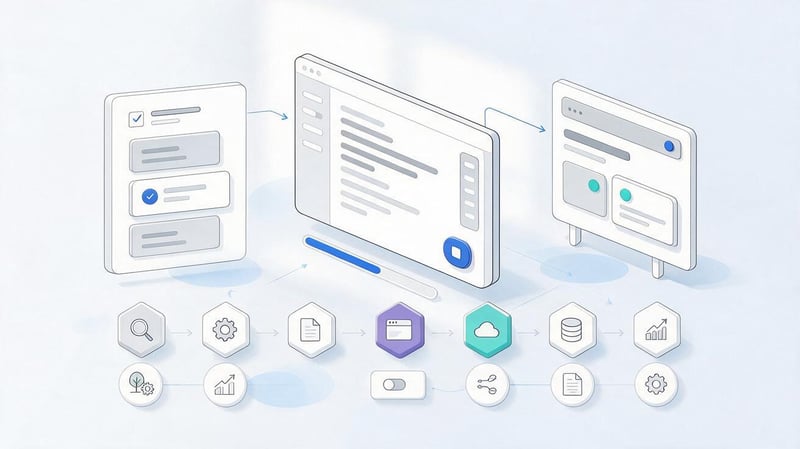
It's best to prepare content in parallel with programming, once the structure has been approved. Then, by release, the main commercial pages can go live with filled-in meta tags, headings, and useful content, rather than temporary placeholders.
Website creation and promotion benefit from a comprehensive content plan. A copywriter understands the purpose of each page, its search intent, and its place in internal linking even before writing.
Creating unique Title, Description, and H1
The title describes the main topic of the page and helps search engines understand its purpose. The description is used as the source for the snippet, although Google may generate its own version based on the query and the document's content.
The H1 tag should briefly describe the main topic of the page. A single template with a different city or category name is only acceptable where the pages truly differ in content and address independent demand.
For large catalogs, some meta tags can be generated automatically. However, the generation rules must be carefully designed to avoid creating duplicate or meaningless combinations.
Preparing texts for search intent
A sales page should help users choose and order a service or product, while an informational article should answer a specific question. Using the same text structure for all types of pages reduces user experience and creates unnecessary blocks.
Keywords are distributed naturally, without repeating one long phrase in each section. Queries like “website development promotion”, “website creation promotion”, and similar variations are best used in grammatically sound forms.
The content must be verified against the business's actual offering. Don't add non-existent timelines, prices, certificates, or benefits just because a competitor has a similar section.
Adding expertise and trust
For complex topics, it's helpful to include the author or specialist responsible for the material. On commercial pages, credibility is built by providing real company information, working conditions, case studies, documents, and verified reviews.
In medical, financial, and other sensitive topics, it's especially important to avoid unsubstantiated claims. Content should be consistent with the author's qualifications and factual information that the company is willing to back up.
Citations to reliable sources are appropriate where the article relies on research, official guidelines, or regulatory data. For a simple description of a service, there's no need to artificially add sources.
Stage 8. Connecting analytics before launch
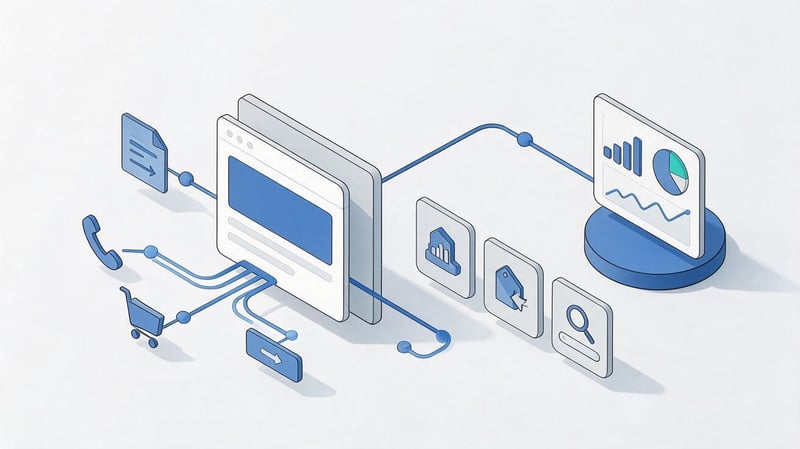
Analytics is essential from the first day of the main website's launch, otherwise some of the initial user and conversion data will be lost. Before the launch, identify the events that are truly important for the business and prepare technical tracking for them.
Typically, Google Analytics 4 and Google Tag Manager are connected, and after publishing the primary domain, the property is added to Google Search Console. For an online store, e-commerce events are set up, and for services, form submissions, calls, and other target actions are configured.
What should I install before opening the site to users?
Before the release, you need to verify that GA4 is receiving visits and that events are sent only once after an actual user action. Duplicate tags can inflate the number of inquiries and create an inaccurate picture of channel performance.
Google Tag Manager is convenient for managing analytics tags, but its container also requires organization. It's best to remove unused scripts and multiple instances of the same tag before launch.
Search Console is connected to the production resource, after which you can submit the sitemap.xml and monitor the indexing status. This service's data will later help evaluate queries, impressions, clicks, and pages from organic search.
Stage 9. Conducting an SEO check before launch
Pre-launch SEO is necessary before opening a live domain for indexing. At this stage, the entire project is tested, as individual templates may work correctly, but problems only emerge after integrating routes, languages, filters, and actual content.
It's best to conduct a technical SEO audit before release on a version as close to the future production version as possible. You should check server responses, indexability, meta tags, internal links, microdata, mobile version, and performance.
| What to check | What should be |
|---|---|
| Indexing | Production pages are open for indexing, service URLs have specified restrictions |
| Canonical | Each indexed page points to the correct primary URL |
| Robots.txt | The file does not block the production site and does not contain temporary staging rules |
| Sitemap.xml | The sitemap contains only current canonical URLs with a status of 200 |
| Meta tags | Main pages have correct and relevant Title and Description |
| H1 | Key pages have a clear main heading without boilerplate spam |
| 404 | Non-existent URLs return HTTP 404 rather than a 200 response |
| Redirects | There are no unnecessary chains, loops or mass transitions through several URLs |
| Internal links | The main navigation leads to working pages with status 200 |
| Mobile version | Main content and links are available on mobile devices |
| Core Web Vitals | There are no obvious problems with LCP, INP and CLS on key templates |
| Schema.org | Structured data is valid and corresponds to the visible content |
| Analytics | Events and conversions are recorded without duplicates |
This checklist should be repeated after transferring to the main domain. Some errors occur during publishing due to a different environment, Caddy or web server settings, certificate, redirects, and environment variables.
Why should a staging site be closed from indexing?
The test domain may contain a copy of future content, unfinished pages, and temporary URLs. If the search engine indexes them, after the launch, you'll need to remove duplicates and wait for the documents to be reprocessed.
Closing staging must be implemented securely, especially if the link to the test project is accessible to employees or contractors. The mere absence of internal links is not enough, as the address may end up in search engines through other means.
Before releasing, you should migrate the project to the main domain and separately check the indexing settings. A temporary block cannot be automatically copied to production without subsequent verification.
What should be changed on launch day?
After publishing, you should open the indexed pages, check the meta robots and robots.txt files, ensure the canonical is correct, and follow key redirects. Then, you can submit the updated sitemap.xml file via Search Console.
It's useful to check several key URLs using the page inspection tool, especially the homepage, categories, and important services. At the same time, check the server response status, the resulting HTML, and the presence of key meta tags.
After these steps, the site begins its normal discovery, crawling, and indexing cycle. Manually submitting hundreds of URLs in bulk is usually unnecessary if the structure and sitemap are working correctly.
Stage 10. What to do after the website launches?

The launch completes the development of the first version, but website promotion and new page creation continue once real data becomes available. Search Console displays queries and documents that are already receiving impressions, and analytics help evaluate user behavior.
Monitoring the technical status is especially helpful during the first few weeks. Routing errors, duplicate parameters, or accidentally opened service pages are best detected before they accumulate in the index.
Monitoring indexing
You need to look at which pages Google has discovered, crawled, and indexed. Excluded documents, unexpected duplicates, URLs with parameters, and pages the search engine considers alternative require special attention.
Not every excluded page indicates a problem. For example, a properly executed redirect or a deliberately non-indexed technical URL shouldn't appear in search results.
It's important to evaluate how well actual behavior matches the planned architecture. If an important commercial page isn't indexed for a long time, then the underlying causes need to be analyzed separately.
Analyzing the initial search data
After collecting statistics in Search Console, you can see actual queries, impressions, clicks, and average position. This data helps you identify pages that are already gaining visibility but require improved snippets or content.
In analytics, it's useful to correlate organic traffic with conversions. A page with fewer visits sometimes generates more leads than content with high informational traffic.
Decisions are made after a sufficient period of observation. Several days after launch do not provide a reliable picture of search engine optimization results.
How does website promotion continue after development?
A technically sound launch lays the foundation for further development. For a website to grow in response to new search queries, it's necessary to regularly improve existing pages, expand the structure, publish useful content, and develop external signals.
Therefore, website promotion and development are closely linked even after the release. New features, filters, or sections can impact indexing, internal links, and speed, so it's advisable to consider SEO with every significant product change.
On-page optimization

On-page SEO involves working with the content of specific pages, including their Title, Description, H1, text structure, and internal links. Decisions are made based on the search intent, Search Console data, and search results analysis.
If a page is getting impressions but few clicks, it's worth checking the snippet and whether the promise matches the content. If queries are directed to an overly generic URL, a more appropriate landing page may be needed.
Optimization is carried out gradually to allow for the impact of changes to be assessed. A wholesale rewrite of all meta tags without justification complicates the analysis of the results.
Expanding structure and content
New pages are created based on identified search demand and the actual needs of the audience. These may include additional services, categories, cities, comparison materials, instructions, and answers to questions.
It's advisable to link informational content to commercial pages through natural internal linking. People who read the guide should have a clear path to the relevant service or product.
Content marketing is especially useful in niches where users spend a lot of time researching options before getting in touch. However, the number of articles published alone does not determine SEO results.
External promotion
Off-page optimization involves acquiring relevant links, PR publications, and brand mentions on suitable platforms. When selecting a donor, we evaluate the topic, region, audience, website quality, and the actual value of the placement.
Link promotion shouldn't be limited to the mass purchase of identical anchors. A profile looks more natural when branded, thematic, diluted, and anchorless variations are used, depending on the context of the post.
Content for external platforms must have a standalone benefit. A link within weak or irrelevant text rarely justifies placement solely on the basis of a high domain score.
Ongoing technical monitoring
After a release, developers continue to release new features, so technical bugs may reappear. Be especially careful about changes to routing, catalogs, filters, templates, and language versions.
Periodic crawling helps find broken links, duplicates, unnecessary redirects, and canonical errors. Checking robots.txt, sitemap.xml, and indexing is also necessary after major updates.
Thus, SEO during the development phase continues as part of regular product work. Any change that creates new URLs or alters the rendering method should be evaluated before going into production.
CMS, website builder, or custom development – which is better for SEO?
The choice of technology depends on the project's scale, budget, functional requirements, and development plans. A popular CMS may provide sufficient flexibility for one business, while another project will require a custom architecture.
SEO capabilities should be assessed based on the specific implementation. The presence of a plugin or built-in Title field does not guarantee the correct operation of filters, rendering, canonical, and multilingual support.
| Option | SEO capabilities | What to check in advance |
|---|---|---|
| SaaS or website builder | Basic SEO settings are usually available right away | Management of URL, canonical, meta tags, robots, sitemap.xml and structured data |
| CMS | You can flexibly expand SEO functions and templates | Theme quality, plugins, speed, duplicates, updates, and security |
| Custom development | The architecture can be designed according to the project requirements | SEO functions, SSR, service files, and administrative fields should be described in advance |
Every technology has limitations, so it's best to make a choice after preparing requirements. This will help you understand what features are needed immediately and how expensive they will be to maintain as you grow.
Common mistakes when creating and promoting a website
Some problems arise even before the first line of code. For example, design is approved before semantics, structure reflects the company's internal organization, and new landing pages are added only after an SEO audit of the completed project.
Other release-related issues include: the test noindex remains on the production site, redirects from old URLs are missing, the sitemap contains technical pages, and filters open up thousands of combinations for indexing.
In practice, the following situations are most often encountered:
- First, the design of all templates is drawn, and the semantic core is compiled after the layouts are approved.
- An SEO specialist is brought in after development is complete, when the structure and technical logic have already been established.
- The architecture is built without analyzing search demand, and landing pages are added to random sections later.
- During a redesign, existing URLs are changed without a 301 redirect map and without taking into account pages with traffic.
- The main text or internal links appear only after JavaScript is executed and user actions are taken.
- The test domain remains available for indexing and appears in search results before the production version.
- After launching on the production domain, meta robots with the value noindex remains.
- A large group of pages receive the same Title, Description or H1 from a very generic template.
- Filters, sorts, and technical GET parameters create a large number of indexed duplicates.
- After launch, no one regularly checks indexing, server codes and internal links.
Most of these issues are easier to prevent at the design stage. If requirements are defined upfront, the developer doesn't have to change existing components just to address a technical SEO issue.
Who should be involved in creating an SEO-friendly website?
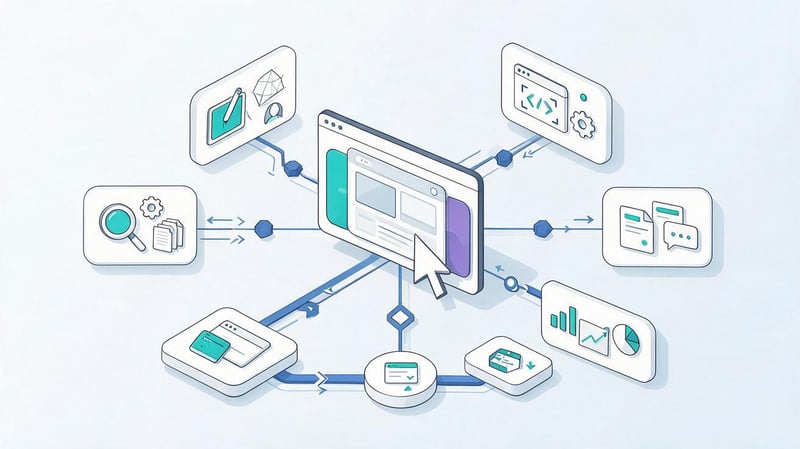
Website development and promotion span multiple disciplines, so it's best to define roles before the project begins. An SEO specialist is responsible for semantics, future landing pages, architecture, and indexing requirements.
The designer translates the structure into a user-friendly interface and provides the necessary content zones. The developer implements routes, templates, rendering, utility files, and page rules, while the copywriter prepares the content for the approved search intent.
An analyst or marketer defines target actions and how to measure results. For a small project, several functions can be performed by one person, but the tasks themselves must still be completed.
It's best to engage an SEO specialist before final layouts are approved. This way, website creation and promotion from scratch follow a unified process, and search engine requirements are taken into account before changes require additional development hours.
What is included in SEO website layout?
SEO layout includes a logical HTML structure, correct H1–H6 hierarchy, accessible internal links, indexable main content, and correct page rendering behavior.
Additionally, they check images, alt text, responsiveness, performance, Core Web Vitals, and the absence of technical solutions that prevent search engines from accessing the document's content.
Creating and promoting a website from scratch begins with demand analysis, not with filling out meta tags before publishing. Semantics determine future landing pages, pages define the structure, and the structure influences the prototype, design, layout, and technical implementation.
When SEO is considered at every stage of development, the team can focus on indexing, content, on-page optimization, and link building after launch without extensive reworking the project's foundation.
If you need a website that's pre-designed for organic promotion, Seo-Gen offers website development and SEO services as a comprehensive process: from semantics and architecture to technical SEO, launch, and future project growth.


